DrumShed on the web
Your whole library.
On a big screen.
The pattern editor, live playback, your songs and sheet music you can print — in a browser, on the same account as the app.
For All Access members, in alpha. New to DrumShed? Start with a free week in the app.
Included with All Access. Nothing extra to buy.
Made for a laptop or desktop. The editor and the practice stage need a wider screen than a phone.
The 20-second tour. Sound is on the speaker button.
Built for a keyboard.
Played on your kit.
Everything you make on the web is in the app the next time you open it, and the other way round.
Pattern editor
The full editor, as wide as your screen.
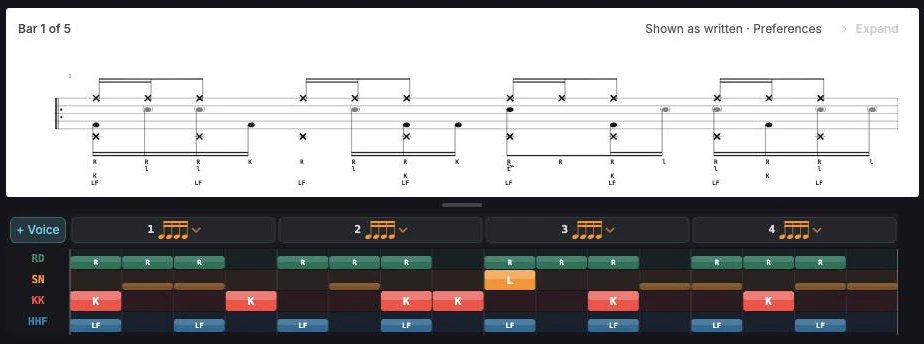
Build beats and fills on a grid that fits the whole bar, with the keyboard, a rail of tools, and the staff above it as you go.
- Every voice on its own lane
- Ghost notes, accents and flams by velocity
- The staff redraws as you edit
Tools
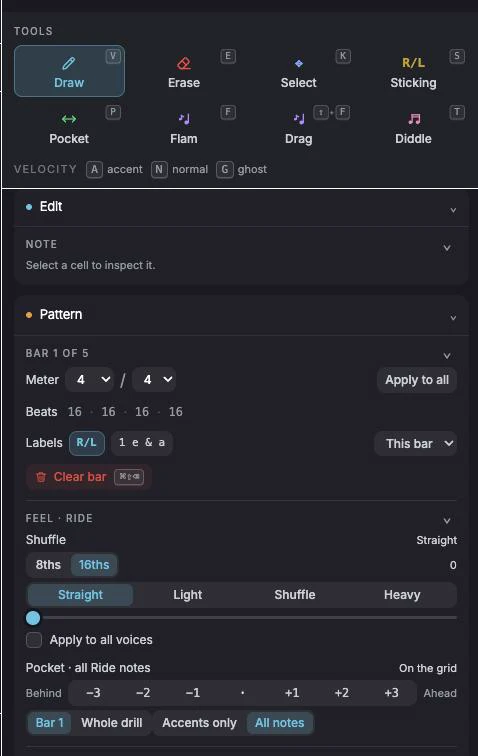
Every tool is one key away.
The side panel holds the tools, the velocity and the feel, and each one has a key. Switch to flams or sticking, drop in a ghost, and hear it back without leaving the grid.
- V, E, K, S, P, F and T for the tools
- A, N and G for accent, normal and ghost
- Space to play, ⌘K for every command
Live playback
Play it back, big enough to read from the kit.
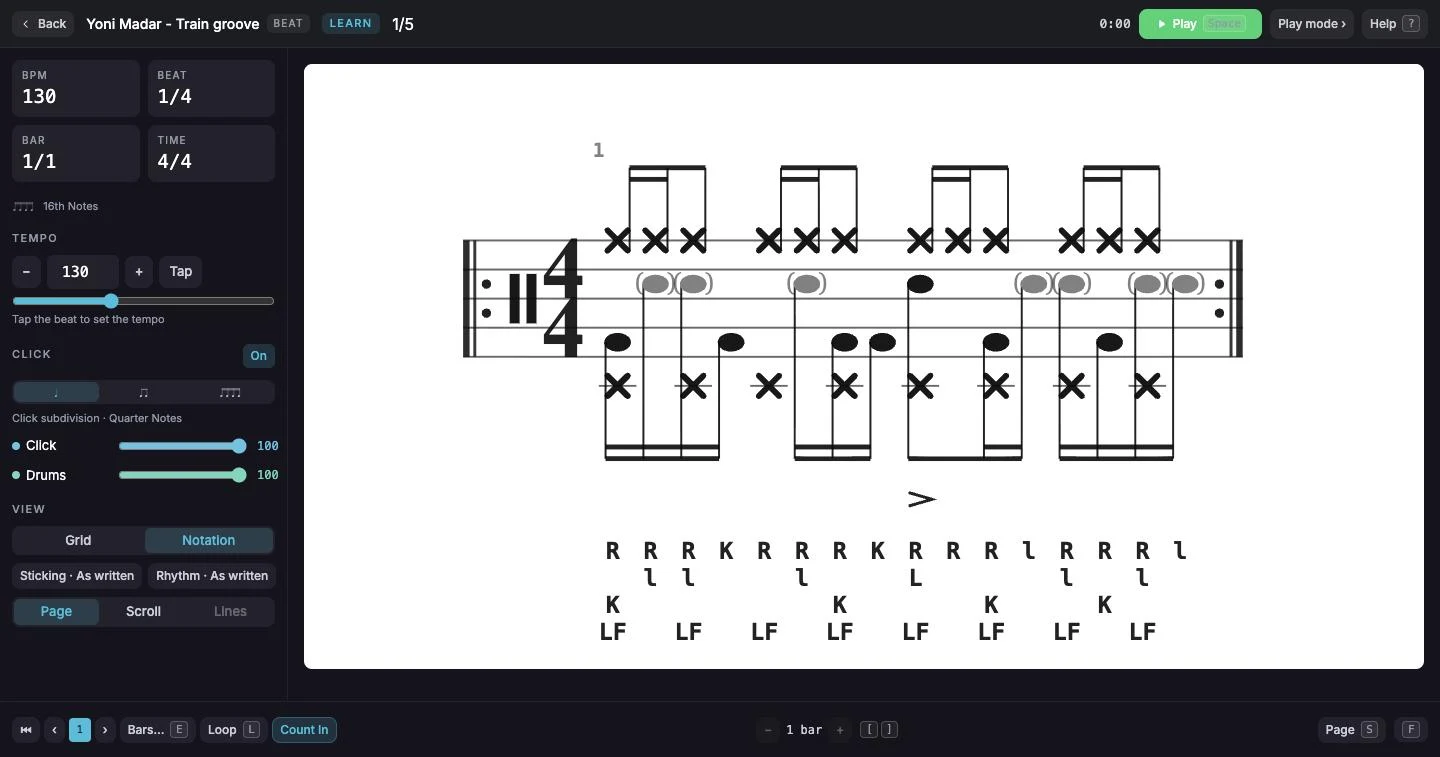
Hit Practice on anything in your library and it plays on a full-screen stage, with the click, the tempo and the sticking in reach.
- Notation or grid, page or scroll
- Set the tempo, or tap it in
- Loop a bar until it sits
Songs
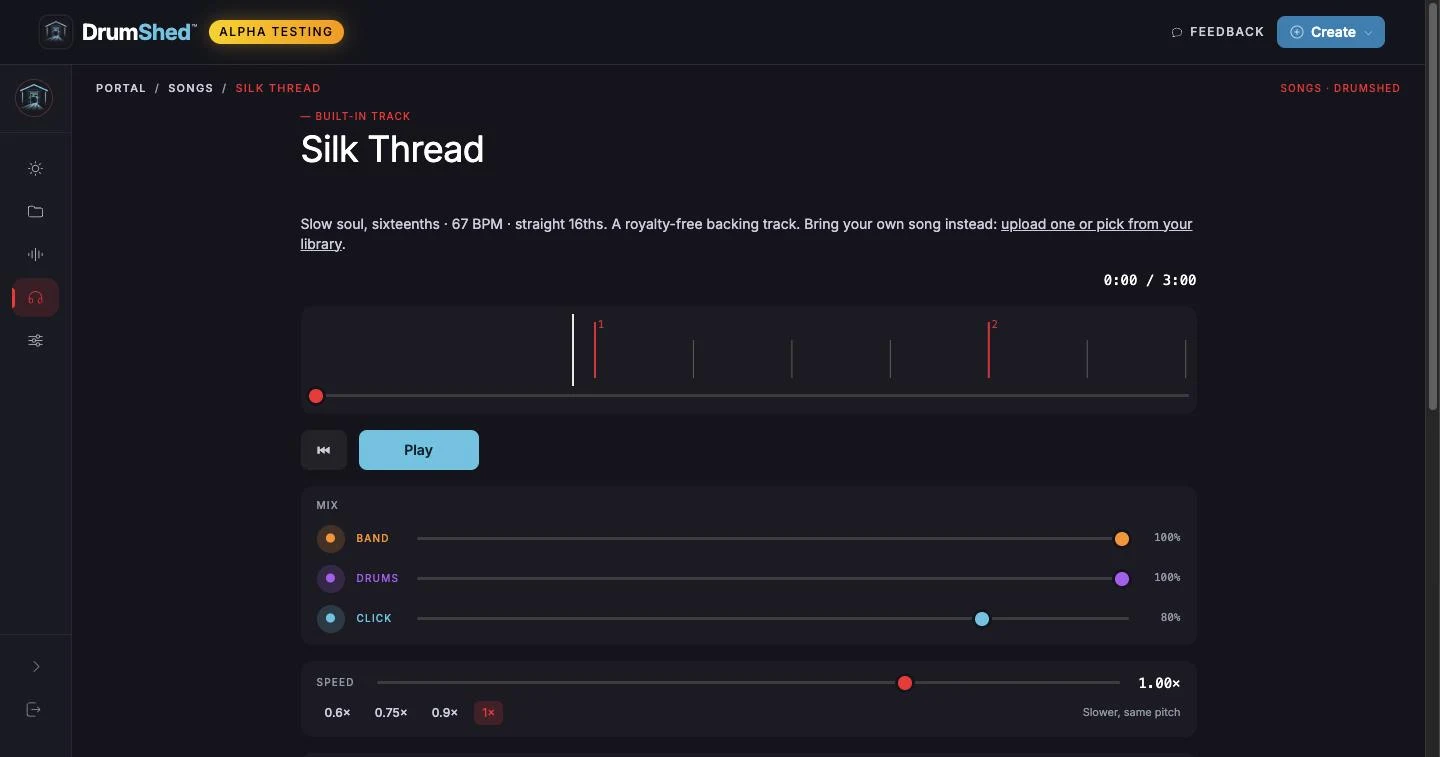
Play along with the drums turned down.
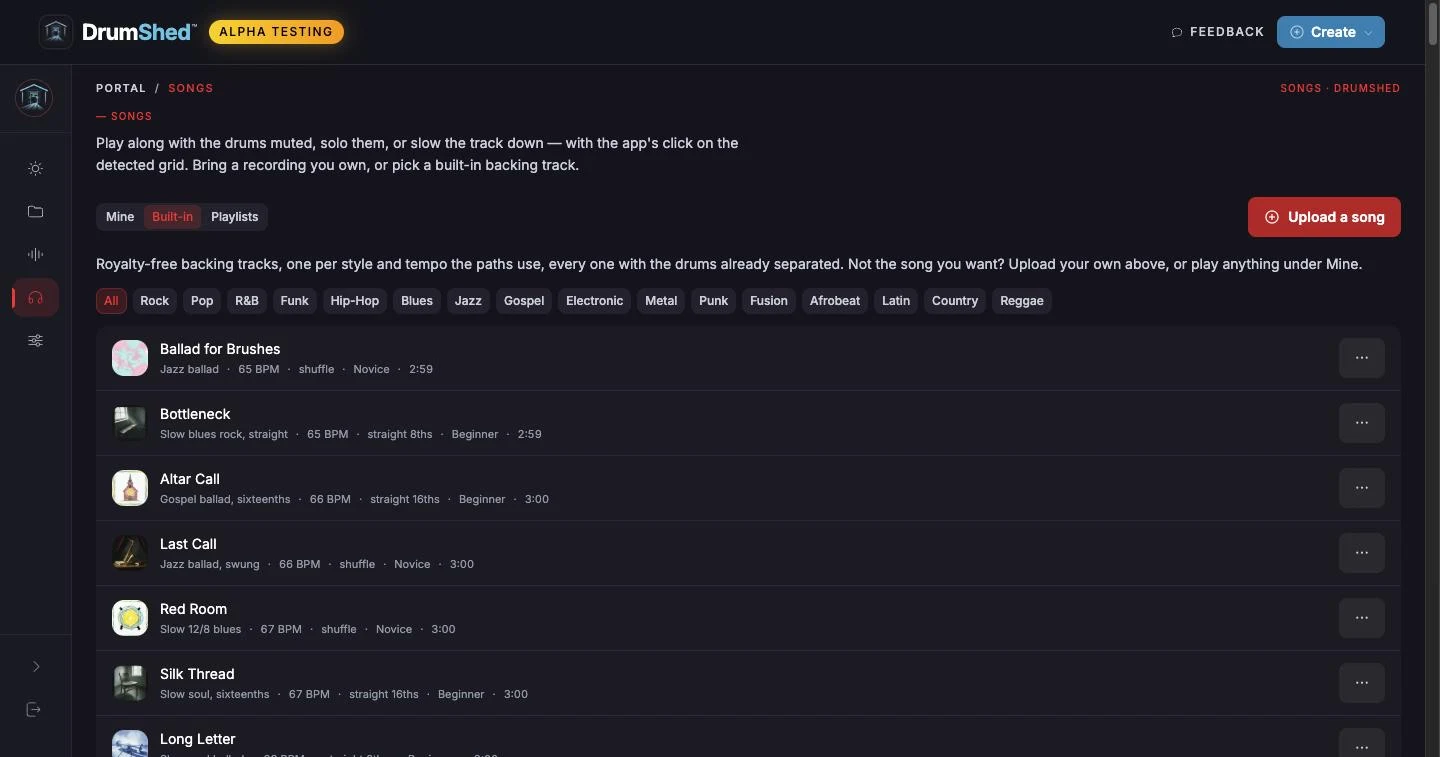
Upload a recording you own, or pick a built-in backing track. Mute or solo the drums, slow it down without changing the pitch, and keep the click on the beat.
- Band, drums and click on their own faders
- Slow down to 0.6× at the same pitch
- Built-in royalty-free backing tracks
Sheet music
Real notation, ready to print.
Any beat or fill in your library renders as engraved drum notation — sticking, accents, feet — and prints or saves as a PDF.
- Engraved, not approximated
- Print it, or save it as a PDF
- The same staff the app draws
Builders
Step-by-step, with a preview at every step.
The Beat Builder, Fill Builder and Exercise Labs walk you through a groove, a fill or a drill one decision at a time, and you hear it as you go.
- Start from nothing or from a preset
- Hear every step before you commit
- Open the result straight in the editor
One account
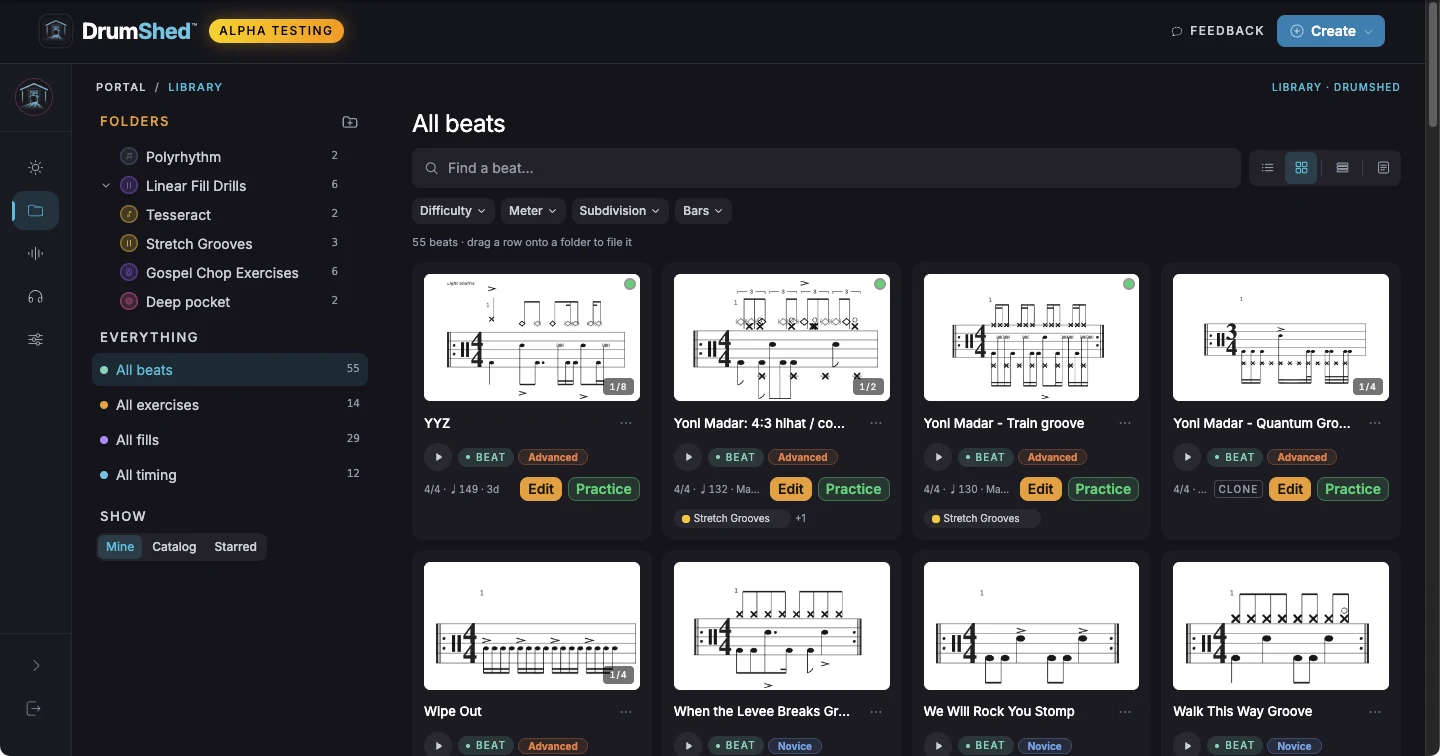
One library, on every screen.
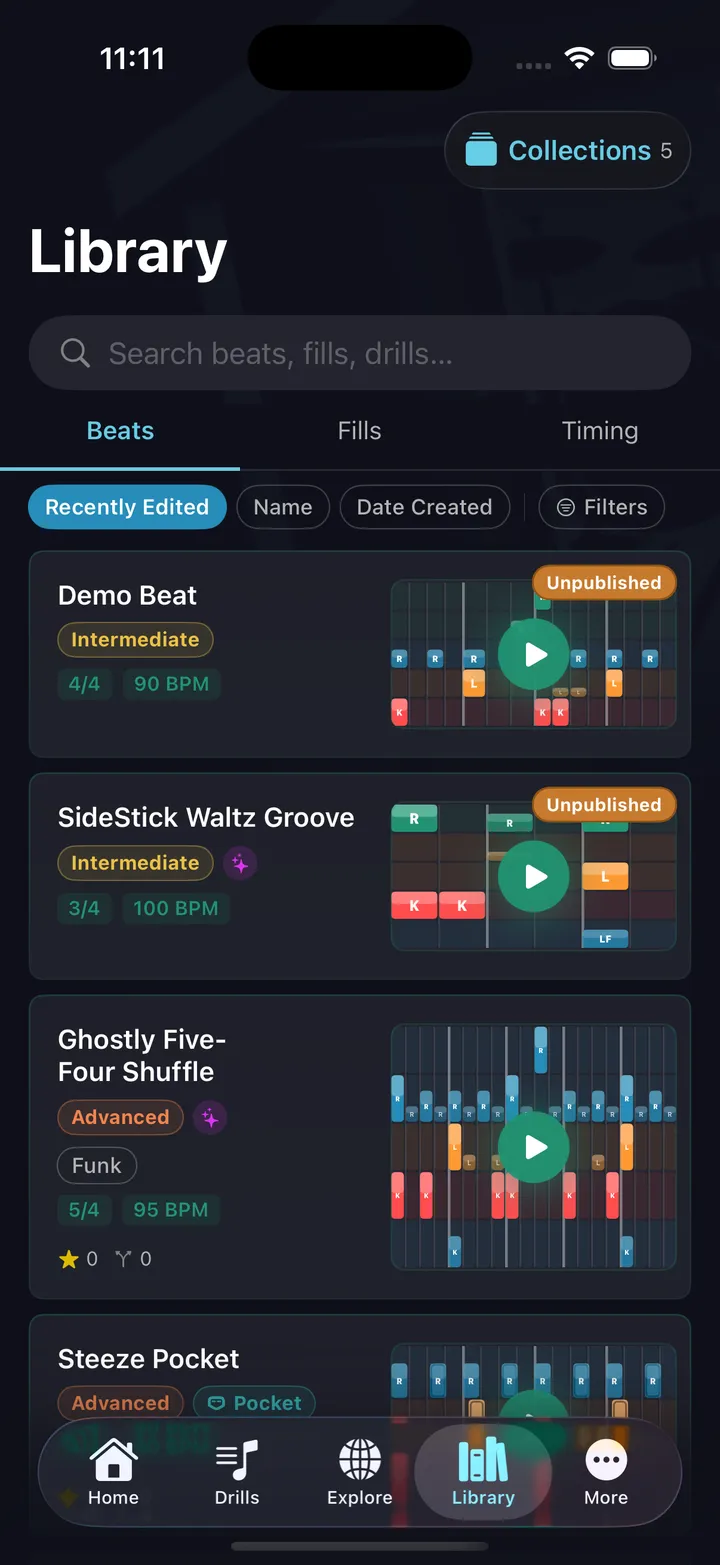
The web signs in to the account you use in the app. Your beats, fills, folders and songs are already there. Write it at the desk, then play it from your phone at the kit.
- Sign in with the same account
- Folders inside folders, on both
- Edits show up in the app
Already on All Access?
The web is already yours.
Sign in with the account you use in the app. New here? Your first week in the app is free.
$5.99/mo · $47.99/yr · Founding $179.99 once. Subscribe in the app; the web comes with it.